How to Log In to XXKK: Step-by-Step (and Fix Login Issues)
Log in to XXKK from web or app, and fix the xxkk login problems that block sign-in: wrong password, missing code, and locked accounts. Step by step.
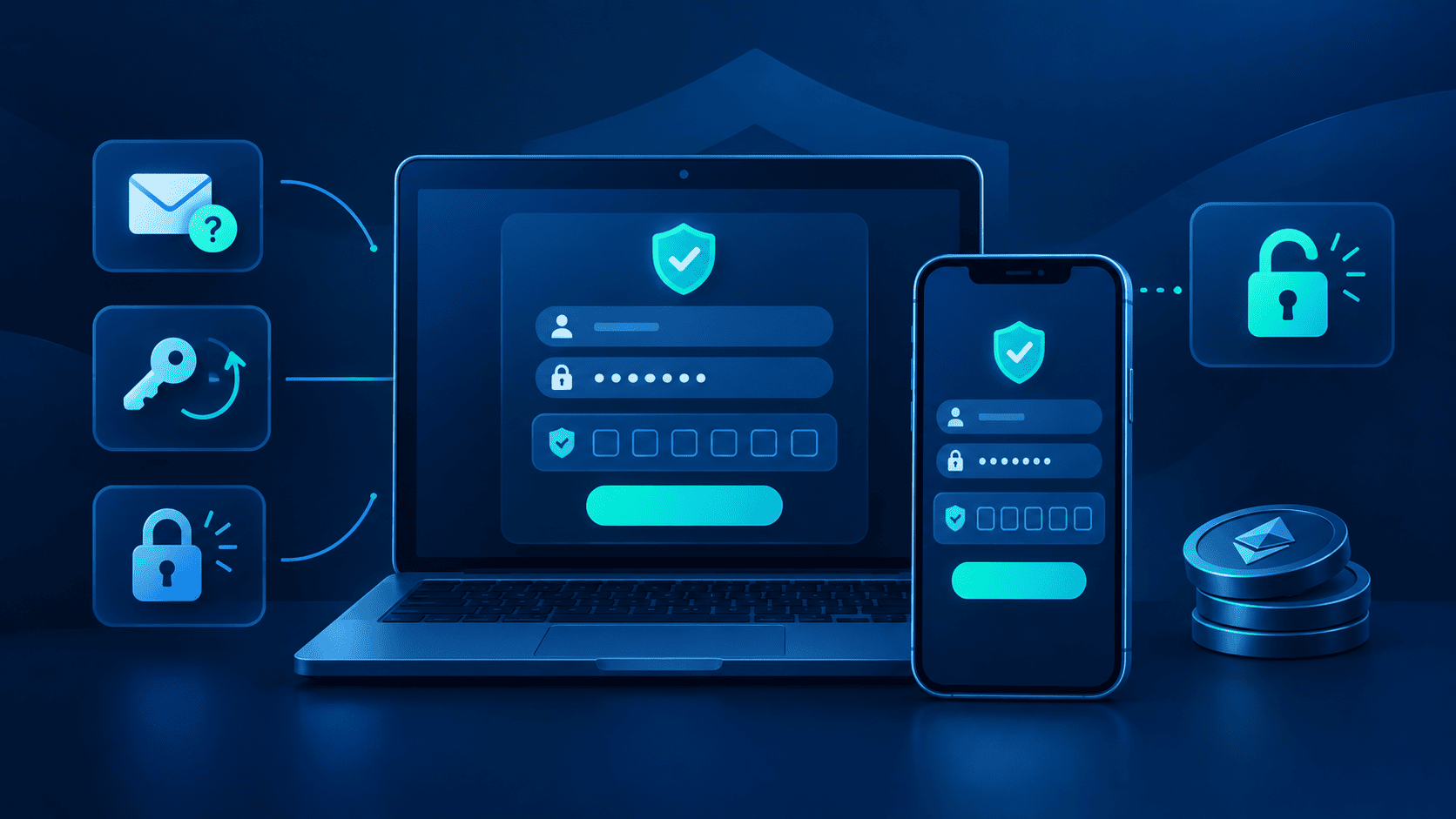
Quick Answer
Start every XXKK login from the official site or app, never from a link in a message or an ad. If a sign-in fails, recheck your details, the verifications, and confirm whether the account has been restricted. XXKK support would never ask for your password or two-factor authentication code
Major Takeaways
Access only the official XXKK login page to sign into your account, as fake login pages are very similar to real ones.
Likely causes of failed sign-ins: wrong webpage, incorrect credentials, missing verification code, or account restriction after multiple attempts.
Forgotten passwords can be reset with a verification code sent to the account phone or email.
XXKK support will not ask for your password or a two-factor code.
What You Need Before You Log In
You need access to the phone number or email linked to your account before inputting them as your credentials. Make sure that you can access them easily for verification codes and two-factor authentication.
A password manager can be utilized to avoid retyping passwords on every single login attempt. For what two-factor authentication is and how it works, see the two-factor authentication guide.
Finding the Official XXKK Login Page
The most secure way of reaching the XXKK login page is through the official XXKK site, its footer link, or the official app. On the official page, enter your registered email or phone number and password, then complete the verification step.
There are a number of fake sign-in pages that copy logos and layouts, and paid search results could be imitations as well. Because phishing sites are able to use them as well, a padlock or HTTPS does not prove on its own that a site is genuine.
Before typing in your credentials, cross-check that the address bar shows the official domain name, do not follow links from texts, emails, or social messages, and don’t enter your password anywhere else. The moment that the right page has been confirmed, a simple bookmark helps to avoid repeating the search, howeevr menus and labels may change even on the official site, so always know what the current site shows.
Logging In on the App
Install the app only through the official XXKK site, using the link in its footer. Unauthentic versions exist which may look like the actual application. After confirming you are dealing with the real thing, log in with your account details and complete the verification process on the app.
Based on the type of device that you use and its settings, the app can keep you signed in between sessions. If you are using a shared or borrowed device, you can always sign out with the app’s own option rather than simply closing it, with the possibility of your account still being present on the phone.
Fixing a Failed Sign-In or Locked Account
If your XXKK sign-in fails, consider the most common reasons first. In the case of wrong details: Verify the phone number or email that's registered, and ensure there aren't typing errors, Caps Lock, or that an auto-filled password hasn't changed.
If you are unable to get the verification code, wait for some time, then verify whether the phone number or email is for the account. Look at the spam or junk folder and check your mobile signal. If you are using an authenticator app, make sure your phone has the correct time set, as the codes are based on the time. Avoid requesting codes repeatedly, because on many services a newer code invalidates the older one. Never give your verification code to anybody regardless of the reason.
Too many attempts: Many unsuccessful XXKK sign-in attempts can lead to an account locked message. Stop trying at this moment and follow the notice message or contact XXKK support.
A frozen account issue is different. For security and compliance reasons, "freezes" can occur, which directs users to customer service. Password reset usually does not rectify this issue.
Don't accept offers from anyone who claims to be able to unlock a XXKK account. There would never be a request for a password or two-factor code from XXKK support.
Recovering a Forgotten Password
Begin by checking the official login page and select the forgot password option. XXKK’s forgot login password guide explains that you receive a verification code by phone or email to reset it. If you see a reset message arrive when you did not initate this process, go to the official site and confirm.
Choose a long, unique password, and let a password manager remember it. There’s no need to change it on a schedule unless you suspect it’s been exposed.
Keeping the Account Secure After You Log In
Before depositing, two-factor authentication should be activated, since it makes a stolen password less useful for the perpetrator. Although a code that has been typed into a fage page can still be collected and stored, which is why making sure you are on the official page matters.
XXKK’s scam prevention guide notes that an anti-phishing code can be used to check messages that are genuine. Also keep passwords, codes, and recovery details out of screenshots, and treat unexpected codes and reset messages as a threat to your account security.
Conclusion
A good number of XXKK sign-in issues are due to either the route, the details, the code, or a restriction, and checking them in that order saves time. Always use the official page, and do not share your details with anyone. In case of confusion or if seeking more clarity, contact the official support. Once you’re in and secured, the XXKK markets page shows what’s available.
Open the official XXKK site or app to log in.
Enable two-factor authentication on XXKK before you fund the account.
Check the address bar before you type your password.
FAQs
How do I log in to XXKK?
Begin from the official XXKK site or app, enter your account credentials, and complete any verification step.
What do I do if I forgot my XXKK password?
Select the forgot password option on the official page to receive a verification code by phone or email.
Why is my XXKK login not working?
It might be due to a mismatch between your details, a problem with the verification code, or a restriction due to repeated attempts. A frozen account is different and can only be resolved via official support.
What if i did not receive the login code?
Cross-check the phone number and email linked to the account, and go through your spam and signal folders. Monitor the phone’s clock for authenticator codes. Give it some time before requesting another, and never share a code with anyone.
